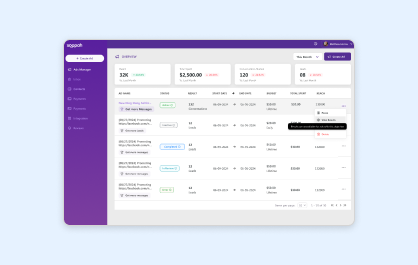
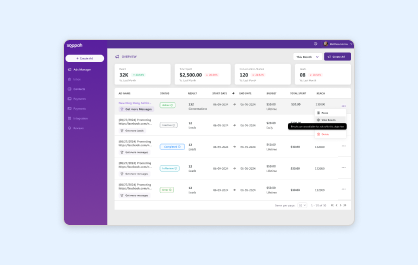
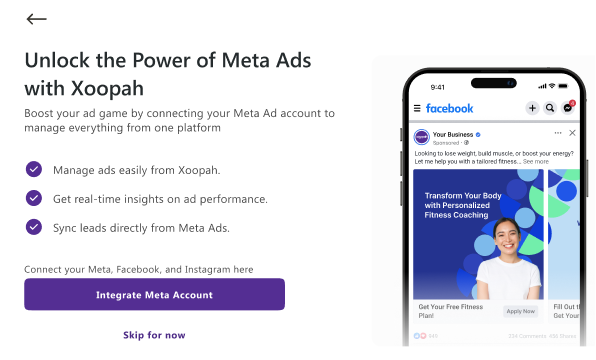
1. Choose Integrate Meta Account to begin the setup process or select Skip for Now if you prefer to set up integration later from the Integration Panel.
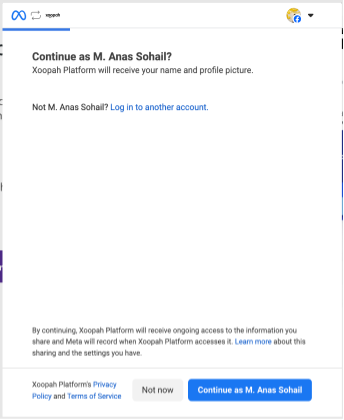
2. A Facebook authentication panel will appear. Enter your credentials to log in and verify permissions
3. If Ad accounts are available, select one to link to Xoopah.
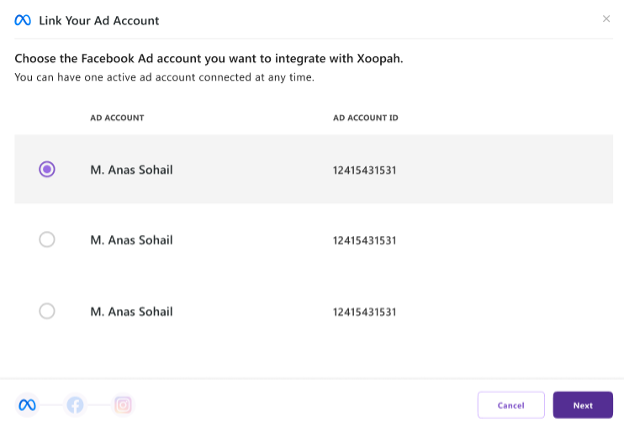
4. Select the Facebook Page to connect to the Ad account.
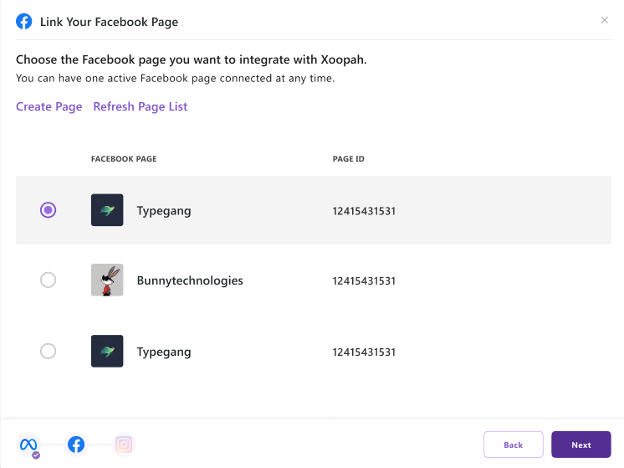
5. If no Pages are found, use the Create Page button or the Refresh Page List option to see newly created Pages.
6. Connect your Instagram account associated with the linked Facebook Page. This step is optional.
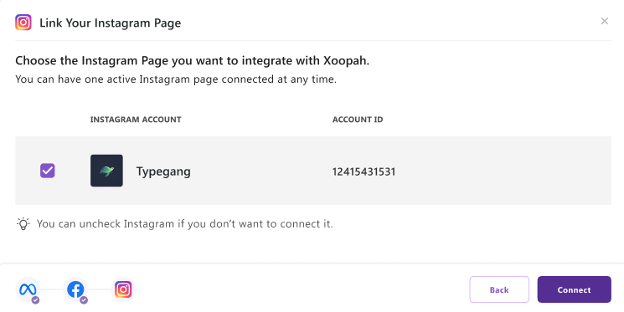
7. If no Instagram account is available or if you choose not to connect one, skip this step.
8. After completing the steps, integration ends, and the user is redirected to the Xoopah dashboard.